Creator tools · 30 September 2022
What podcasters need from a hosting platform
This is a case study on Castbox and how it can be improved as a hosting platform.

This is a case study on Castbox and how it can be improved as a hosting platform.
As you may know, Castbox is a free listening and hosting platform that also acts as a distribution (listing) service. In other words, people can potentially look for and find your podcast listed on those platforms, as well as host your podcast. In practice, though they mostly have pretty small audiences — especially compared to the big directories — Apple, Google, and Spotify.
As a product person who is a podcast producer, I’m going to tell you that the creator studio is not working as you expected due to not having an easy-to-use dashboard and efficient features.
So if Castbox tries to be a podcast hosting provider it needs to improve a bit to meet the producer's needs.
let's see what is a podcast hosting platform and what a podcast producer needs from these providers.
Listening apps like Apple Podcasts and Spotify are often assumed to be where podcasters upload their shows. But actually, RSS feeds are what distribute podcast content. By uploading content to a podcast hosting provider, your feed gets created and new episodes are automatically published to every platform that supports podcasts.
There are many things to consider when evaluating podcast hosts, including storage, separate podcast, and bandwidth capabilities, analytics features, content promotion integrations, and website creation features.
What are the benefits of hosting providers?
Analytics
Analytics can provide you with key insights about your show so you can reach your listeners more effectively. So you’ll be able to develop content that your listeners will enjoy. By making use of them, you can maximize your profits with monetization through ad placement if ever you decide to do so.
Speed
Listeners will instantly lose interest in a podcast if it takes too long to download or stream. You want your audience to receive your content as quickly as possible (nobody likes buffering! ).
Data Transfer
It is common for podcast hosting platforms to have sites that are designed specifically for podcasts and transferring podcast data. Your podcast will transfer more quickly if you use a podcast host. It means you will be able to stream or download your audio smoothly, and your listeners will not experience any difficulties.
Quality
Podcast hosts don’t compress your audio so you’re audio won’t lose its quality if you host your content on their servers instead of your own. Choose a hosting platform depending on the size of your audio and video files.
Content
You can repost your podcast content online if your podcast host offers transcription services. Your podcast can be promoted through ad campaigns, posts on social media sites, and blog content.
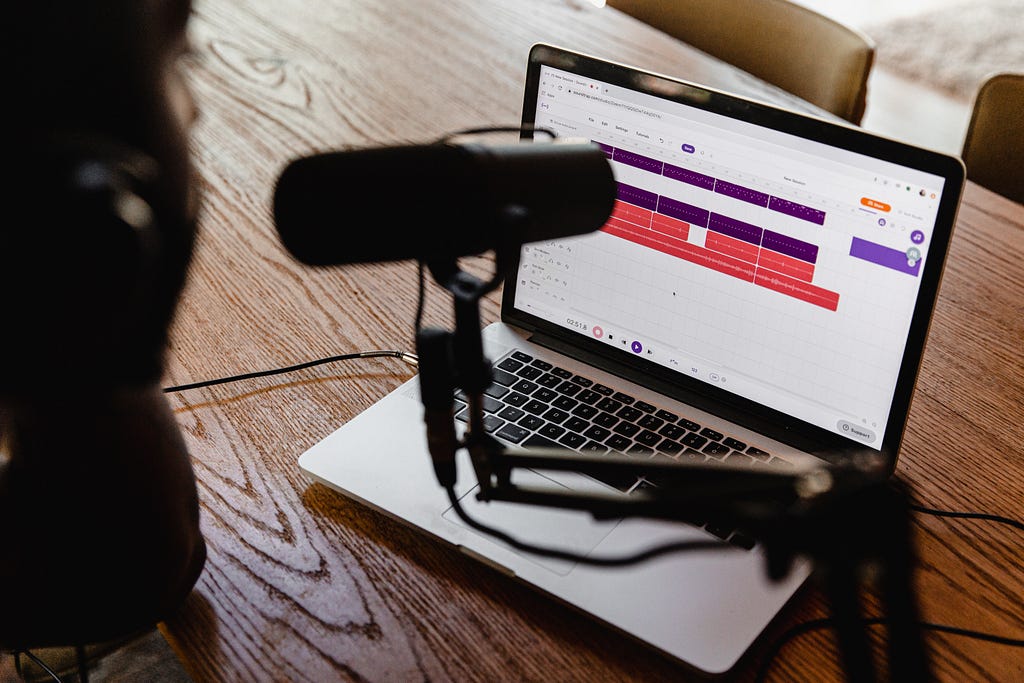
So what Castbox creator studio will give you?
Free Audio Upload
Free upload and storage. It’s the simplest way to get started with podcasting.
Measure What Matters
Castbox Creator Studio includes tools with robust podcasting analytics so that you can measure your subscribers, streams, and downloads.
Engage With Fans
Castbox enables commenting, sharing, and other social features that will engage your listeners and get you noticed.
Submit Your Podcast & Claim Its Ownership
Is your podcast available on Castbox? You can now claim your ownership using creator Studio on our desktop site. Don’t worry if you haven’t submitted your podcast. Once you finish claiming, your podcast will be added to Castbox!

Castbox is a really lovable platform for listeners and so far, creator studio is a fine place to start podcasting. But, there are some issues with its features. Not enough! after a while producers will migrate to a better and stronger provider to grow. Why?
You need to do some of the work manually, for example, creating social media content and publishing, using other platforms for scheduling and publishing, preparing emails for engagement, and using other platforms to send bulk emails.
Also, analytics tools are not as helpful and details oriented as you expected.
I'm saying when it comes to being a creator, Castbox is not there for you!
How to improve?
I’ve done my research, trust me, I’m a UX researcher. And this time I'm not going to explain the research process but give you the result with the suggested design! Yeay right?🎉😂
I make some suggestions to improve the Castbox and bring it to the real game of hosting providers.
Before diving into it, Castbox design is pretty old so the first thing that needs reconsideration is a better UX design in order to get the product easier to use.
Practical Dashboard
A dashboard is where you can see some of everything by taking a glance and being on board with the news. basically, dashboards are a tool to make processes easier, faster, and more understandable. Which Castbox does not have and users have to search for everything.
Accurate Analytics
What is important when it comes to analytics
- Number of Unique Downloads
- Downloads per episode
- Number of Downloads Month over Month
- Number of Subscribers
- Subscribers Month over Month
- Subscriber and Listener Locations
- Subscriber and Listener Locations by City and Top Cities
- Top Episodes
- Listens by Source
- User Agents
- Downloads by Time of Day
- User Retention
- Sources of traffic
- Demographics of your actions
- Number of streaming listeners
- Comparing data
Questioners and NPS
It is crucial to audience think of your content and stays in touch with them. With a service that tells your audience satisfaction, you can always know where you stand and how to improve.
An easy way to gather NPS scores is to pop up in the Castbox listening platform or in emails.
Content Creation tools
Engaging your audience on social media requires creating content. For example, if the host has a collaboration with Canva for creating and uploading cover art, posting on social media, and uploading and scheduling Instagram and Twitter content, it makes a consistent and professional engagement
Content creation will be easy if the platform has recording, episode building, and collaboration tools. With this tool, you can upload multiple files per episode (intro, outro, ads, and your main episode) and collaborate with others.
Email Marketing tools
This is a helpful tool for a heads-up about new episodes. Also, you can embed some interesting parts of a new episode, blog posts, email newsletters, worksheets, or related articles and videos.
Multiple Shows
There may be some users who want to launch several shows at once. Instead of having separate accounts for each, it is better to be able to publish and control them from one login.
Educational opportunities
Any subject requires constant learning and updating. By notifying producers about upcoming webinars, related courses, or articles, the platform can provide more knowledge to them. There are many companies such as Dribbble that email their users’ articles, webinars, and courses related to the design field, or Canva that run their own schools teaching how to use their program.
Smart Adds and Monetization
Inserting ads feature. You are essentially running a podcasting network by hosting your podcasts. This is the most valuable option for monetization when using your podcast hosting since it might be easier to get ads this way than to join a podcasting network. Depending on how many downloads you have, this feature may not be available to you until you have reached a certain number. However, some platforms may promote podcasts with fewer downloads through basic advertisements.

So After all, I design a dashboard with all suggestions that I’ve made to show a better understanding and present how helpful a podcast dashboard could be for producers.